
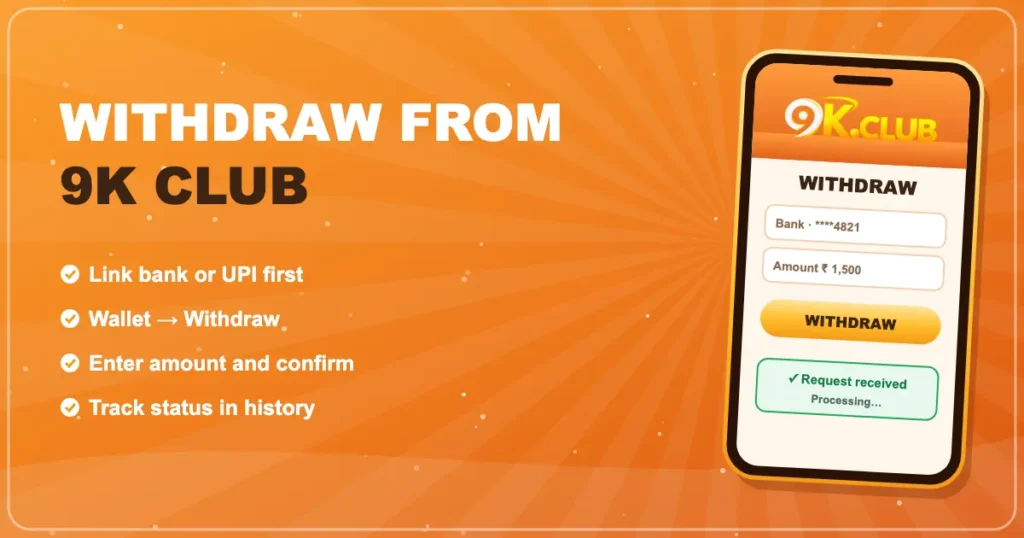

How to Withdraw from 9K Club
Link your account once, request a payout in a few taps, and follow it all the way to your bank.
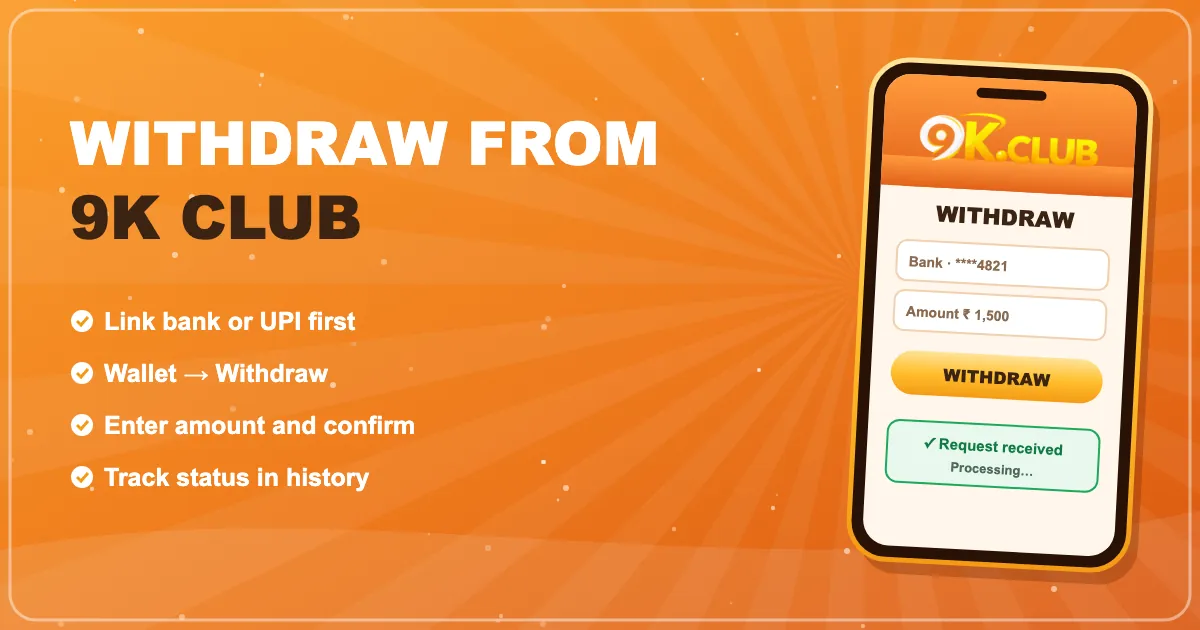
Link your bank or UPI first
Open Wallet → Bank card (the label can vary) and add your account number and IFSC, or your UPI ID. Use an account in your own name — it keeps checks quick.
Request a withdrawal
- Tap Wallet → Withdraw.
- Choose the linked account.
- Enter the amount (the minimum is shown on screen).
- Confirm with your password if asked.
Understanding the status
| Pending / Processing | Request received and in the queue |
|---|---|
| Completed | Money sent — check your bank app |
| Rejected | Details didn’t match or a rule wasn’t met; the amount returns to your wallet |
Why a withdrawal may be held
- Turnover not met — bonuses usually need to be played through first.
- Name mismatch — the bank account name doesn’t match the profile.
- Duplicate accounts — linked to rules on multiple accounts.
Frequently asked questions
How long do 9K Club withdrawals take?
Most are processed within hours; bank holidays and high-volume periods can add time. The status is always visible in your history.
Why is my withdrawal button greyed out?
Usually because a turnover requirement on a bonus isn’t complete yet, or your bank details aren’t linked.
Can I cancel a withdrawal?
While it’s still pending, the history screen may show a cancel option. Once processed it can’t be reversed.