
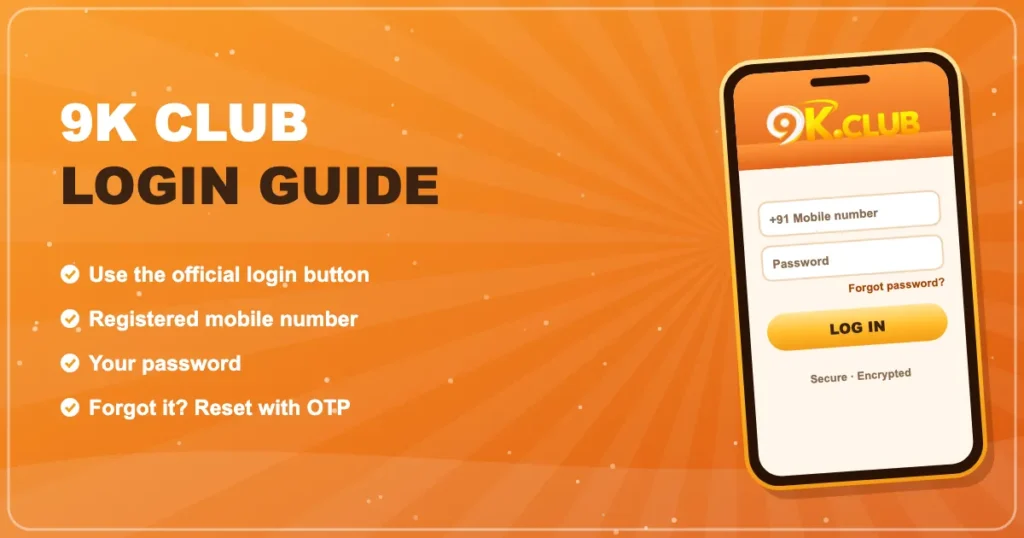

9K Club Login
Mobile number, password, done. Below is the quick version, plus fixes for the four errors people hit most often.
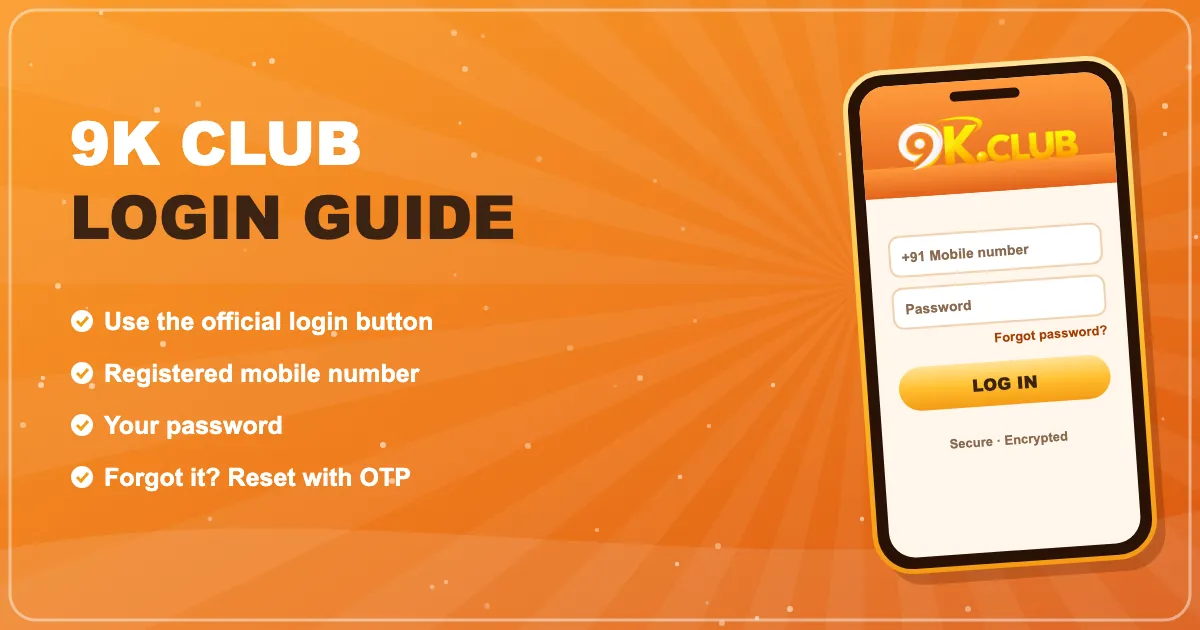
How to log in to 9K Club
- Tap 9K Club Login or open the 9K Club app.
- Type the mobile number you registered with.
- Enter your password (it’s case-sensitive).
- Press Log in.
Forgot your password?
It happens. On the login screen tap Forgot password, enter your number, type the OTP and pick a new password. The old one stops working immediately.
Common 9K Club login errors
| Wrong password | Check Caps Lock, then reset rather than guessing — repeated failures can lock sign-in for a while. |
|---|---|
| Account does not exist | You may have registered with a different number. Try it, or register fresh. |
| Page won’t load | Switch networks, clear browser cache or update the app. |
| OTP not arriving | Wait 60 seconds, check signal, request again. Do not ask anyone else to receive it for you. |
Staying signed in safely
- Use the app’s saved login only on your own phone.
- Log out on shared or borrowed devices.
- Ignore “login links” sent by strangers — bookmark the real page instead.
Frequently asked questions
Why does 9K Club log me out sometimes?
Sessions end after long inactivity or when you log in on another phone. It’s a safety feature.
Can someone else log in if they know my number?
Not without your password — and they can’t reset it without the OTP sent to your phone. Never share either.
I changed my phone number. How do I log in?
Log in with the old number if you still can and update it in your profile, or contact live support with proof of the account.