
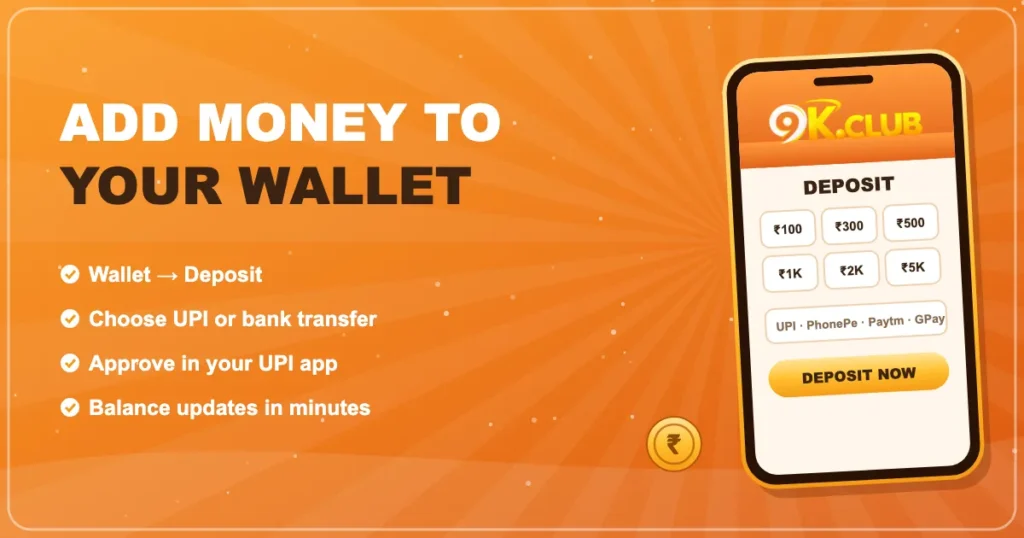

How to Deposit on 9K Club
Topping up takes a couple of minutes with UPI. Here’s the exact flow and how to handle the rare deposit that gets stuck.
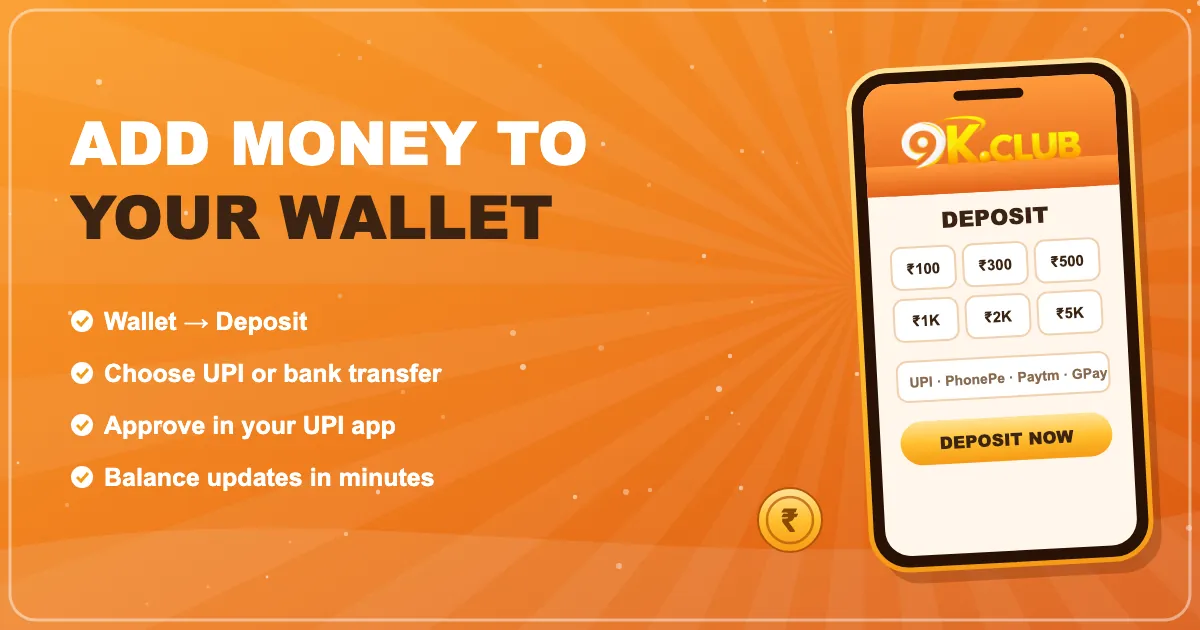
Deposit step-by-step
- Log in and tap Wallet (or the + next to your balance).
- Choose Deposit and pick or type an amount.
- Select a UPI channel.
- Your UPI app opens — check the amount and approve with your PIN.
- Return to 9K Club. The balance usually updates within minutes.
Payment methods
| UPI | PhonePe, Google Pay, Paytm, BHIM and bank UPI apps |
|---|---|
| Bank transfer | IMPS / NEFT where shown |
| Speed | Usually 1–5 minutes |
| Fees | Shown on screen before you pay, if any |
Why the UTR number matters
Every UPI payment gets a 12-digit UTR (sometimes called the reference number). It’s the single best piece of evidence if a deposit doesn’t show up. Screenshot it before you close your UPI app.
If a deposit is pending
Ninety-nine times out of a hundred it’s the bank taking a little longer. Wait ten minutes, refresh your wallet, then contact support with the UTR. We wrote a whole post on what happens when a UPI deposit is pending.
Frequently asked questions
What is the minimum deposit on 9K Club?
The current minimum is shown on the deposit screen next to the amount buttons.
My UPI app shows success but my balance didn’t change.
Give it a few minutes. If it still hasn’t arrived, open support and share the UTR number from your UPI app.
Can I pay from someone else’s UPI?
It’s best to use your own account — mismatched names can delay checks on later withdrawals.